
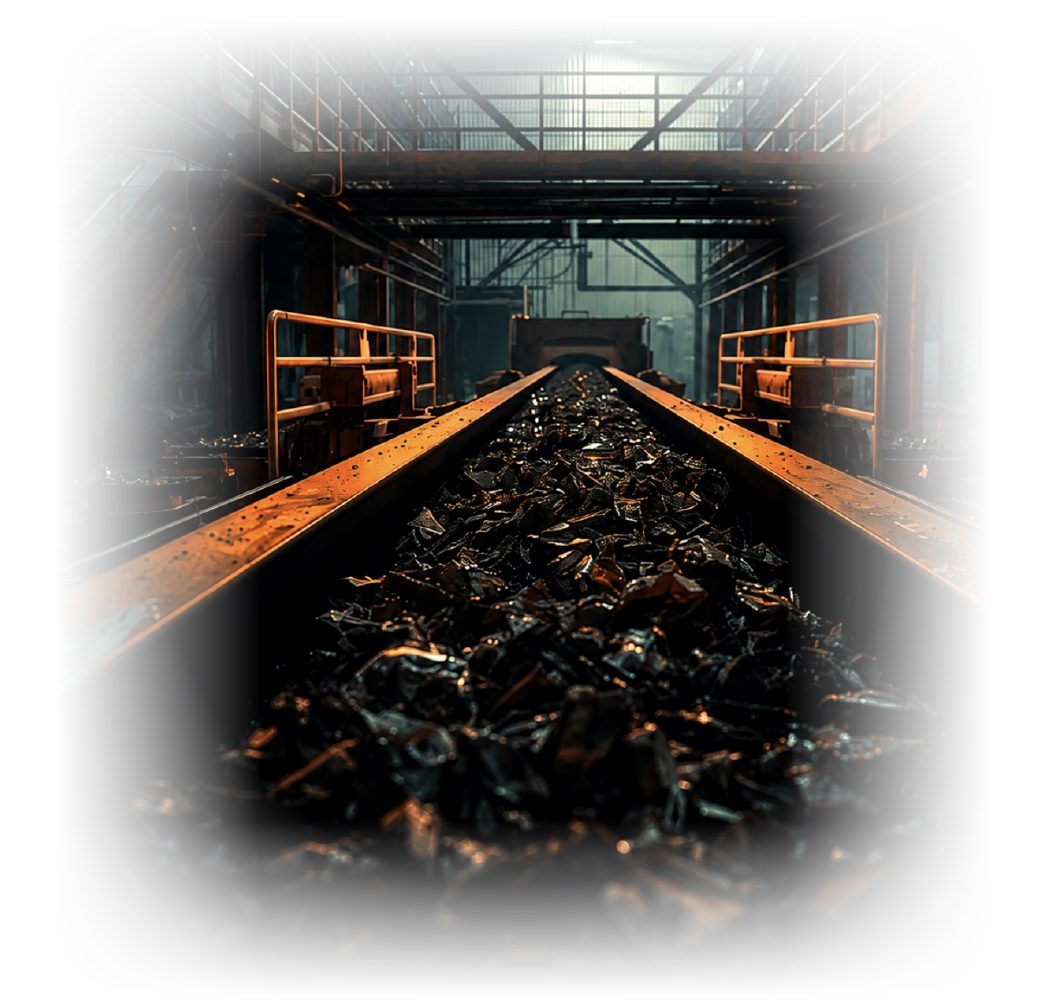
Waste photograph review
Review visible materials in a waste load using a photograph.
PAXA AI analyses photographs of waste to help identify visible materials, compare them with the recorded waste type and show your team what may need checking.
How PAXA AI works
Photograph analysis in three steps.
Take a photograph
Capture a clear image of the waste load at the point of collection.
PAXA AI analyses it
The software examines the visible content and identifies material findings supported by the photograph.
Review the findings
Your team compares the findings with the recorded waste type and decides whether anything needs further checking.
Illustrative walkthrough
See how findings are presented.
Run the sample to see how a photograph, a possible material finding and the review step are presented. This page does not analyse your image.
See how a sample load is presented for review.
Illustrative interface walkthrough: this is not a live analysis and does not report measured percentages or performance metrics. Actual findings depend on the photograph and the materials visible.
What it helps you do
Useful information, ready for human review.
PAXA AI supports the decision. It does not replace professional judgement or establish regulatory waste classification from a photograph alone.
- Identify visible materials. Help your team recognise materials shown in a waste photograph.
- Spot possible discrepancies. Highlight where a finding may differ from the recorded waste type.
- Improve waste records. Give reviewers useful evidence when checking descriptions and records.
- Keep decisions with your team. Findings are presented for a person to assess and act on.
Demonstration
See PAXA AI work with your waste photographs.
Request a demonstration using real examples from your operation and discuss how the findings would be reviewed by your team.